Cube Commander
About This Game
Cube Commander (Play + Guide)
1. Introduction
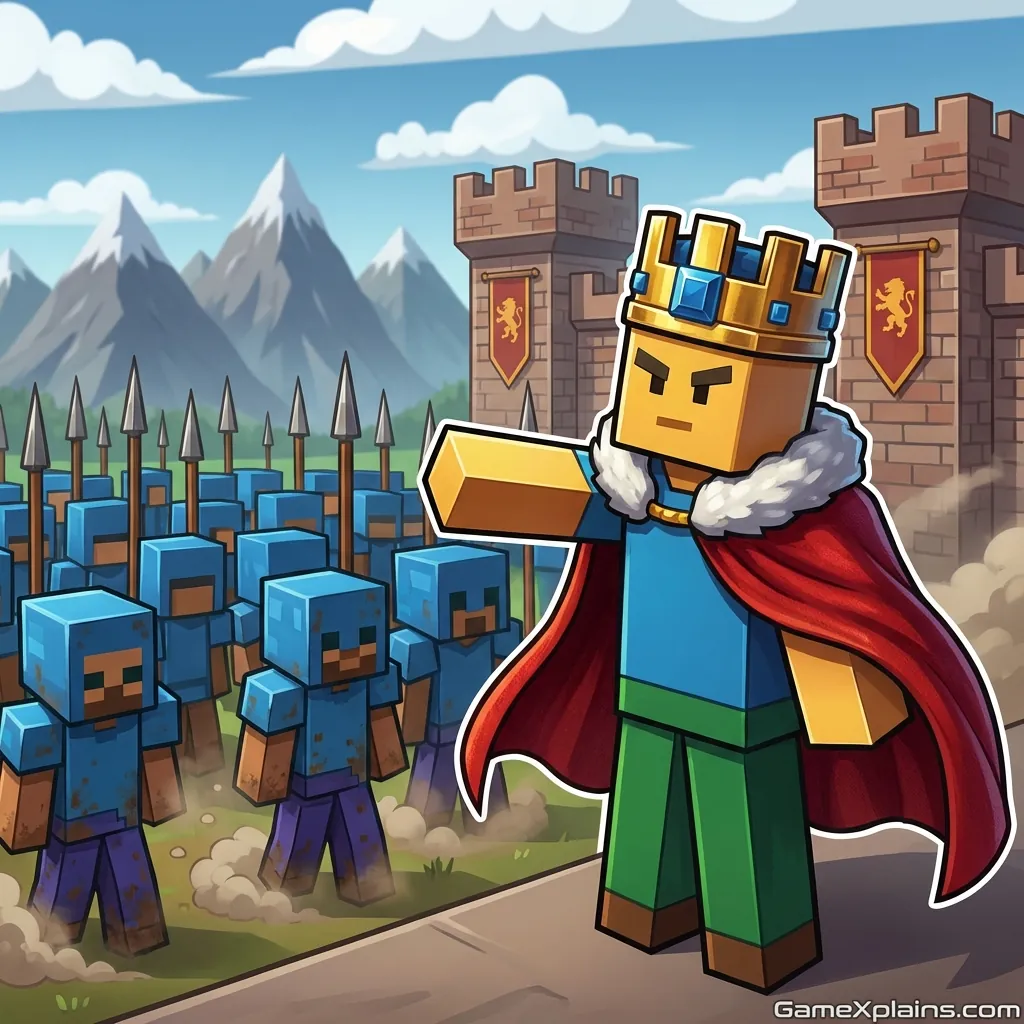
Cube Commander is a wave-based tactics builder where you juggle resources, placement, and timing to keep your base standing as threats scale up. It reads like a simple cube craft skirmish at first, but the real skill is in knowing when to expand and when to lock down lanes.
Play Now: Jump in and start a run, then come back here when you hit your first “overwhelmed” moment.
Because it’s an HTML5 game (may use WebGL), it typically loads fast in modern browsers and is easy to pick up for short sessions.
2. Key Features
Compact base-building loop: gather, build, defend, repeat, with quick feedback every wave.
Tactical placement matters, even small tile shifts can change enemy pathing outcomes.
Resource pressure creates risk-reward decisions between upgrades and emergency defenses.
Simple controls, but meaningful timing windows around abilities and unit spawns.
Clear fail state, your run ends when defenses collapse and your core takes sustained damage.
Replayable runs driven by routing choices, pacing, and upgrade priorities.
3. What Is Cube Commander?
Cube Commander is a strategy-focused online/browser game built around a tight loop: collect basic materials, place structures or units, and survive escalating waves. The “commander” role is less about micromanaging one hero and more about managing a living layout, where lanes, chokepoints, and build order decide whether your defense holds.
What makes it different from many build game online entries is the tactical dynamic between economy and safety. When you invest in gathering and production, you grow stronger long term, but you also create windows where your defense is thin. If you treat it like a lumberjack game online and over-prioritize harvesting, you usually get punished by the next spike in pressure.
4. How to Play
Your goal is to keep your base (or core) alive through successive enemy waves by gathering resources, constructing defenses, and upgrading your setup. Most versions follow this rhythm:
Start with minimal tools and basic structures.
Gather materials, then spend them on walls, towers, units, or upgrades.
Survive a wave, then use the breathing room to expand or optimize.
Win condition: In most versions, “winning” means lasting through a set of waves, reaching a target objective, or achieving a high survival score.
Lose condition: You lose when enemies break through and your core takes enough damage, or when you can no longer stabilize after a wave.
Progression: Runs typically ramp difficulty by increasing enemy count, adding tougher variants, or shortening the downtime between waves. If the game offers upgrades, they usually make early decisions matter more than late scrambling.
Controls (Table)
Action | Keyboard/Mouse (Typical) | Touch (Typical) |
|---|---|---|
Move camera/character | WASD or Arrow keys, or drag with mouse | Drag to pan, swipe to move (if supported) |
Place building/unit | Left click to select and place | Tap to select, tap to place |
Rotate/confirm | R or click rotate icon | Tap rotate icon |
Use ability (elemental) | Number keys or on-screen buttons | Tap ability buttons |
Open build/upgrade menu | Tab/Esc or UI button | Tap UI menu |
Practical cue: If your placements keep “snapping” to a spot you didn’t intend, zoom in and place from a more centered camera angle.
5. Core Gameplay Mechanics
1) Main System
When you harvest and build, the game turns your resources into defensive power, but it also advances the pacing toward the next threat window. When you spend early on production, you usually snowball into stronger upgrades later. When you spend early on walls and towers, you stabilize faster but may lack economy.
2) Tactical Dynamics
When you see enemies clustering or slipping past your front line, do two things: tighten lanes and create overlapping damage zones. Move or add defenses so enemies spend longer inside your strongest coverage. If you have elemental powers games online for free style abilities, save them for breakpoints, not for cleanup.
3) Progression and Scaling
When waves scale, the pressure usually rises in steps, not smoothly. Early waves teach pathing and resource rhythm, then a tougher wave forces you to commit to a lane plan. As downtime shrinks, “fixing later” stops working. Build order becomes your main skill check, and upgrades outpace fresh placements.
4) Key Elements
When resources are scarce, treat them like a timer: every wasted placement is a lost wave. Obstacles, narrow lanes, and corners often define where chokepoints are possible. Hazards may include burst-damage enemies or fast runners. The fail state is simple: sustained breach damage you can’t recover from.
Decision Flow (Quick Stabilize Rule) Are enemies reaching the core? Yes -> Add chokepoint wall -> Stack overlap damage -> Save ability for next spike No -> Is income lagging? Yes -> Build production -> Upgrade efficiency -> Re-check lane coverage No -> Improve pathing -> Add slow/control -> Prep for next wave
Practical cue: If one lane “suddenly collapses,” it usually means a faster enemy type appeared and your coverage time dropped.
6. Strategies
Chokepoint First
Build one reliable choke before you expand. Put walls or blockers where enemies are forced to turn, then stack damage behind it. This works because turning points maximize time-in-range for multiple defenses. Warning: Don’t overbuild the choke so early that you stall your economy.
Overlap, Not Scatter
Place your main damage sources so their ranges overlap on the same tiles. You want enemies taking consistent damage for longer, not brief hits from many directions. This works because pathing is predictable once lanes form. Warning: If enemies split into multiple routes, you need a second overlap zone.
Wave Breakpoint Saving
Hold your big cooldowns for the moment the lane starts to leak, not when it looks safe. Elemental game online abilities often feel strong, but wasting them on low pressure creates a dead window later. Warning: If you wait too long, you may not have time to recover.
Economy Window Timing
Expand gathering and production right after a stable wave, then stop and reinforce before the next spike. This works because most runs give a brief “safe” phase where investment pays off. Warning: If downtime is short, upgrade efficiency instead of placing new production.
Repair and Rebuild Discipline
When a structure fails, replace it with intent, not panic. Rebuilding the same spot is sometimes wrong if the lane shifted. This works because small layout changes can reroute enemies into better coverage. Warning: If you rebuild while under full pressure, you can chain failures.
Anti-Leak Backline
Add a small backline defense that exists only to catch leaks. It should be cheap and positioned near the core, not near the front. This works because it buys seconds for abilities or repairs when a fast enemy slips through. Warning: Don’t let the backline become your main plan.
Practical cue: If you keep losing with “plenty of damage,” you probably lack control or slow, and enemies are spending too little time in range.
7. Similar Games
We Are Warriors! – Lane pressure and upgrades with fast, readable threat spikes.
Grow Castle – Incremental defense stacking where upgrade order matters.
Age of Tanks Warriors: TD War – Tower-defense style scaling with frequent breakpoint waves.
If you want more fast-paced base defense, explore Action.
If you prefer tense endurance runs, explore Survival.
8. FAQ
Is Commander cube a thing?
Yes, Commander cube is a real format people build for Magic: The Gathering. It’s a curated cube designed so players draft and then play Commander-style decks. The exact rules vary by group, including commander availability, color identity handling, and how the draft is structured.
What is the 75% rule in MTG?
The “75% rule” is a community deckbuilding idea, not an official MTG rule. It generally means building a deck that can compete in stronger pods but won’t dominate casual tables. People apply it differently, so treat it as a guideline for power balance.
How many commanders for a commander cube?
There’s no single required number, but you typically want enough commanders so drafters can find a viable build path. Many groups include multiple commanders per color pair and a few flexible options. The right count depends on your cube size and draft method.
What is the best size for a Commander cube?
The best size depends on how many players you draft with and how much variety you want. Many Commander cubes are built around 360 cards for smaller groups or 540 cards for more variety. Choose a size that supports consistent archetypes without diluting key pieces.
• how to build a commander cube
Start by choosing your draft size and the power level you want. Then pick commanders and archetypes first, because they set the structure. Fill in staples, removal, mana fixing, and synergy pieces. Finally, test draft and adjust ratios when certain colors or themes underperform.
• how to build a mtg commander cube
Decide on rules (color identity, commander draft rules, pack size), then build a commander pool that supports multiple archetypes. Add ramp, fixing, interaction, and win conditions at your intended power level. Test draft with friends, track what wheels, and tune until the archetypes feel draftable.
• how to make a commander cube
Choose a cube size, then outline the archetypes and support cards you need for each. Add enough fixing and ramp so decks function. Include interaction so games don’t become solitaire. After several drafts, cut cards that never get played and add cards that enable the strategies you want.
• how to make a cube in minecraft with commands
Use the /fill command to create a solid cube by selecting two opposite corners. For example, you pick coordinates for the first corner and the second corner, then fill with a block type. Always double-check coordinates first, because a typo can overwrite large areas.
• how to make a hollow cube in minecraft with commands
Create a solid cube with /fill, then hollow it by filling the same region with air while keeping the outline. In many versions, you can use a hollow fill option or do a second /fill inside the cube bounds. Plan the inner coordinates carefully to preserve the shell thickness.
Keyword notes used in-context: commander cube, commander cube mtg, mtg commander cube, magic the gathering commander cube.
9. Technical
Cube Commander is typically an HTML5 browser game (may use WebGL) that runs in Chrome, Firefox, Safari, and Edge. Most mid-range laptops and phones should run it smoothly at default settings, but performance can drop if lots of units and effects stack on screen.
Input is usually keyboard and mouse on desktop, with touch controls on mobile if the build supports it. This is commonly a no download experience in-browser, but features like saving progress, ads, or cosmetic unlocks can vary by site and version.
10. Final Verdict
Cube Commander works best when you treat it like a planning puzzle, not a pure click-fest. The strengths are readable wave pacing, satisfying layout optimization, and clear resource decisions. The limits are that some versions can feel swingy if enemy speed types appear early, and recovery is harder once a lane collapses.
If you want a strategy-heavy survival browser game with quick runs, Cube Commander is worth trying, especially if you like elemental powers games online for free style cooldown choices. If you’re here for creative building first, approach it as a defensive cube craft challenge with tactics layered on top.
Extra keyword coverage: cube commander online game free, build game online, elemental game online, lumberjack game online, cube craft, cube commander, elementa game, trolling game online.
Comments (0)
No comments yet. Be the first to share your thoughts!