Doodle Road
About This Game
Doodle Road Play Guide
1. Introduction
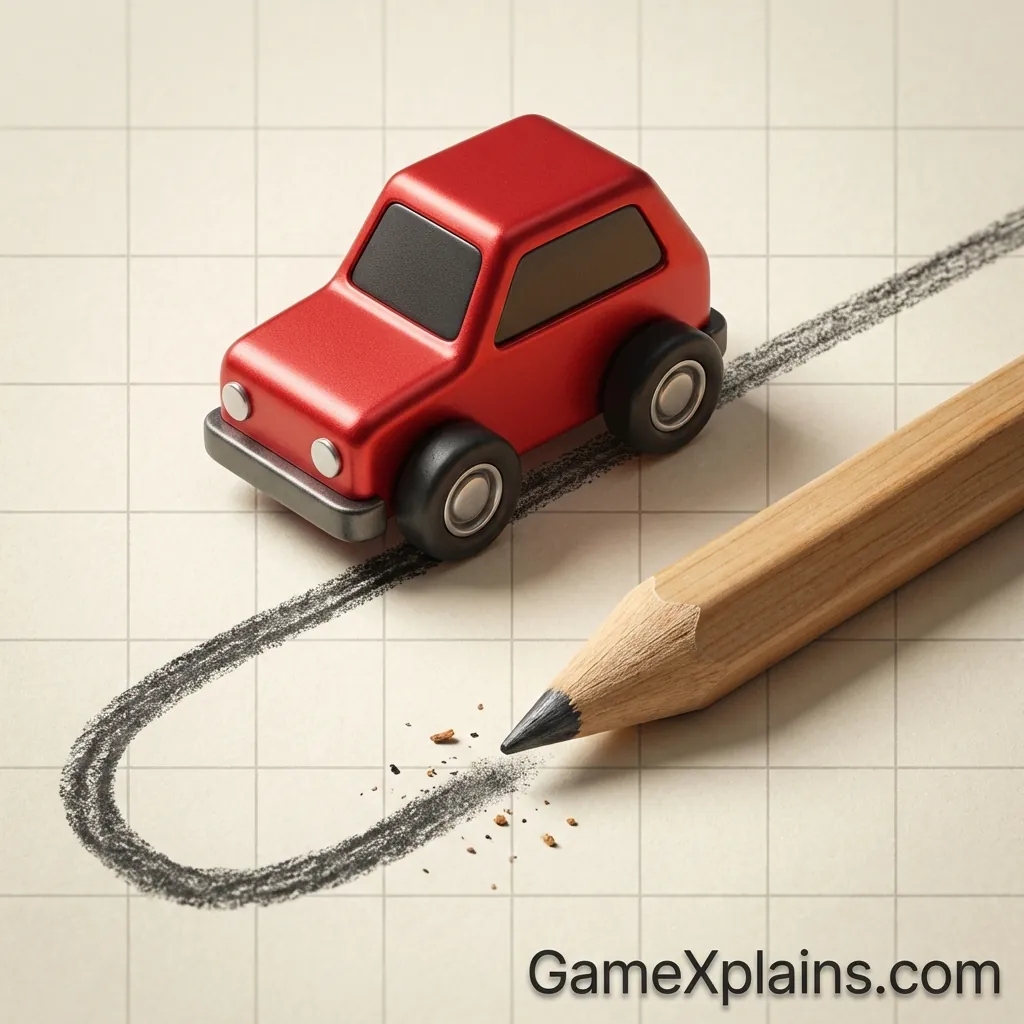
Doodle Road is a draw-to-drive racing and driving challenge where the track is the puzzle. Instead of memorizing corners on a premade circuit, you react to sketchy ramps, sudden gaps, and sharp angles that feel like they were doodled in the moment. The core loop is simple: keep moving, keep your wheels stable, and reach the next safe stretch without wiping out.
Play Now: Launch Doodle Road as an online/browser game in your desktop or mobile browser and start driving immediately.
It’s typically an HTML5 game (and may use WebGL for smoother physics and rendering), so it’s designed to run in the browser with no download for the web version.
Experience cue: If your car starts to “bounce” after a landing, ease off the throttle for a beat so the suspension settles before steering.
2. Key Features
Drawn-looking tracks with uneven ramps that punish full-throttle steering mistakes.
Quick restart pacing, most failures happen fast, so you learn by iteration.
Momentum-focused physics, speed helps clear gaps but increases flip risk.
Simple controls with skill ceiling, short inputs matter more than long holds.
Bite-sized runs with checkpoint rhythm, progress comes from consistency.
Works as an online/browser game on most modern devices, typically with no download.
3. What is Doodle Road?
Doodle Road is a racing and driving game built around a physics loop: accelerate, balance, and navigate rough, hand-drawn paths until you reach the next segment or finish. Tactically, the game is less about perfect racing lines and more about managing momentum and vehicle pitch. You “win” by staying upright and moving forward, and you “lose” when you crash, flip, or drop off the road.
What makes it different from standard kart or circuit racers is how the track behaves like a puzzle. The “doodle” style often creates uneven edges and abrupt elevation changes. That means the safest route is not always the fastest. In most versions, a clean run is about controlled inputs and stable landings rather than top speed.
4. How to Play
Your goal is to drive along the doodle track, clear obstacles and gaps, and reach the next checkpoint or the end of the level. Most failures are physics-based: tipping backward on steep ramps, nosediving into a gap, or catching a wheel on a sharp edge that flips you.
In many browser builds, progression is level-based. You clear a stage, then the next introduces narrower platforms, steeper ramps, or longer jumps. Some versions also ramp difficulty by adding more “broken” road sections where you must time a controlled takeoff.
Controls
Action | Keyboard (typical) | Mouse | Touch (mobile) |
|---|---|---|---|
Accelerate | W or Up Arrow | Click and hold (if supported) | Press and hold right side or a throttle button |
Brake/Reverse | S or Down Arrow | Right click/hold (if supported) | Press and hold left side or a brake button |
Tilt/Balance | A/D or Left/Right Arrow | Drag left/right (if supported) | Swipe or tilt buttons |
Restart | R (common) | On-screen restart | On-screen restart |
Notes: Controls can vary by site or build. If you’re playing Doodle Road mobile in a browser, look for on-screen buttons first, then try short taps instead of long presses.
Experience cue: If you keep flipping at the same ramp, approach slower, then accelerate only as your front wheels reach the edge.
5. Core Gameplay Mechanics
1) Main system
When you press accelerate, the game converts speed into jump distance and climbing power, but it also increases how violently the car reacts to bumps. When you hit an angled line segment, your car’s nose and suspension angle matter as much as speed. Staying upright is the primary win condition, so smooth momentum beats constant full throttle.
2) Tactical dynamics
When you see a narrow platform, do shorter steering taps and keep your car centered. When the road turns into a steep upstroke, reduce speed slightly so your front wheels do not lift too high. When the next segment is a gap, aim for a flat takeoff so your car lands on both wheels, not the front bumper.
3) Progression and scaling
As levels advance, the track usually becomes less forgiving: tighter landings, sharper angles, and more consecutive jumps that test recovery. Early stages teach the idea of balancing in the air. Later stages punish panic input, because correcting too hard mid-flight often turns a small wobble into a full flip.
4) Key elements
The key elements are ramps, ledges, gaps, and uneven lines that behave like physical surfaces. The main hazards are over-rotation, clipping a wheel on an edge, and landing nose-first. The usual fail state is a crash or falling off the track, which forces a restart or returns you to a checkpoint.
6. Strategies
Center-Lane Discipline
Stay in the middle of platforms and treat edges as “danger zones.” This reduces surprise flips from wheel clipping. It works because most doodle roads have jagged edges that snag tires. Warning: do not over-correct, tiny steering taps are safer than long holds.
Two-Phase Jump Timing
Approach gaps in two phases: stabilize speed before the ramp, then accelerate only as you commit to takeoff. This keeps the nose level and improves landing. Warning: if you accelerate too early, you often launch with a nose-up angle and backflip.
Soft Landing Reset
After any hard landing, briefly release accelerate so the suspension settles, then steer. This prevents the “bounce into flip” chain. It works because the physics engine amplifies steering while the car is still rebounding. Warning: releasing too long can stall you on uphill segments.
Micro-Brake Saves
Use quick brake taps right after cresting a steep ramp to keep the front wheels from lifting too far. This helps you stay controllable and avoids backward flips. Warning: braking while already tilted forward can cause a nose-dive on short gaps.
Look-One-Segment Ahead
Instead of staring at your car, track the next road segment and align your approach early. This reduces last-second steering that causes spins. Warning: on very short platforms, you still need to glance back to confirm your wheels are square before accelerating.
Fail-Loop Practice
When you fail, repeat the same section three times with one controlled change, like slower entry or shorter steering taps. This isolates the real cause. Warning: changing multiple things at once hides what actually fixed the run.
Decision Flow (Quick Win Rule)
Did you flip on landing? Yes -> Reduce takeoff speed -> Level the nose -> Land flat No -> Did you fall off an edge? Yes -> Stay centered -> Use shorter taps -> Avoid late turns No -> Are you stuck on an uphill? Yes -> Build speed earlier -> Reduce steering -> Crest smoothly No -> Maintain pace -> Focus next gap -> Repeat clean inputs
Experience cue: If your rear wheels keep catching an edge, approach with less steering and let the car roll straight for half a second.
7. Similar Games
Escape Road – Heavier handling with tighter high-speed traffic gaps.
Highway Racer – Immediate action with dense traffic and fast retries.
Drift Hunters – Drift control practice, not traffic navigation.
8. FAQ
What genre is doodle Road?
It’s typically a racing and driving game with physics puzzle elements. The main challenge is staying upright and controlling momentum on uneven, line-drawn tracks. While it looks casual, the skill comes from timing and balance, which makes it feel closer to a physics skill game than a traditional racer.
What is the funnest game on Google Doodle?
There isn’t one definitive “funnest” Google Doodle game because the lineup changes and tastes vary. Many players enjoy Doodle games that have clear goals, quick runs, and simple controls. If you like short, replayable sessions, pick a Doodle game with instant restarts and a clear fail state.
What are the hidden games in Google?
Google has hosted interactive Doodles and Easter-egg style mini-games over time, but what’s available can change. Some are accessible through past Doodle archives, while others are time-limited. If you are searching for hidden games, look for interactive Doodles that load directly in the browser without extra installs.
How do you play the game doodle?
You usually play a Doodle-style game by following a simple input loop, like tap to act, steer to avoid hazards, or time jumps. In Doodle Road, you drive, balance, and clear gaps. If you keep failing, slow down, stabilize the car, and focus on landing flat before accelerating again.
9. Technical
Doodle Road is commonly delivered as an HTML5 game (and may use WebGL), meaning it runs as an online/browser game in modern web browsers. In most cases, you can play with no download on desktop. For Doodle Road mobile, performance depends on your device and the host site’s build.
Browsers: Chrome, Firefox, Safari, and Edge are usually fine.
Minimum expectations: Most mid-range laptops and phones should run it smoothly. If the game stutters, close extra tabs, disable heavy extensions, and reduce background apps.
Controls: Keyboard input is common on desktop; touch controls are common on phones. If you are trying Doodle Road android via a browser, prefer touch buttons and short presses for precision.
About installs: Searches like “Doodle Road download,” “Doodle Road apk,” or “Doodle Road android” may lead to different unofficial uploads. If you want the browser version, the HTML5 game route is typically the safest way to get no download play without installing files.
Also, terms like “Doodle Road Poki” or “Doodle road math playground” often refer to where people host or share similar doodle car game builds. Availability can vary by platform and region.
10. Final Verdict
Doodle Road works best for players who enjoy physics driving with quick retries. Its strengths are readable goals, short levels, and a difficulty ramp that rewards calmer inputs. The limits are that track feel and controls can vary by version, and some builds may be less consistent on mobile.
If you want a free racing and driving game that feels like a doodle car game puzzle, Doodle Road is a solid pick as an online/browser game, especially when you want no download play and fast restarts. Try it, focus on level landings, and build speed only when the track is stable.
Comments (0)
No comments yet. Be the first to share your thoughts!