Drive Quest
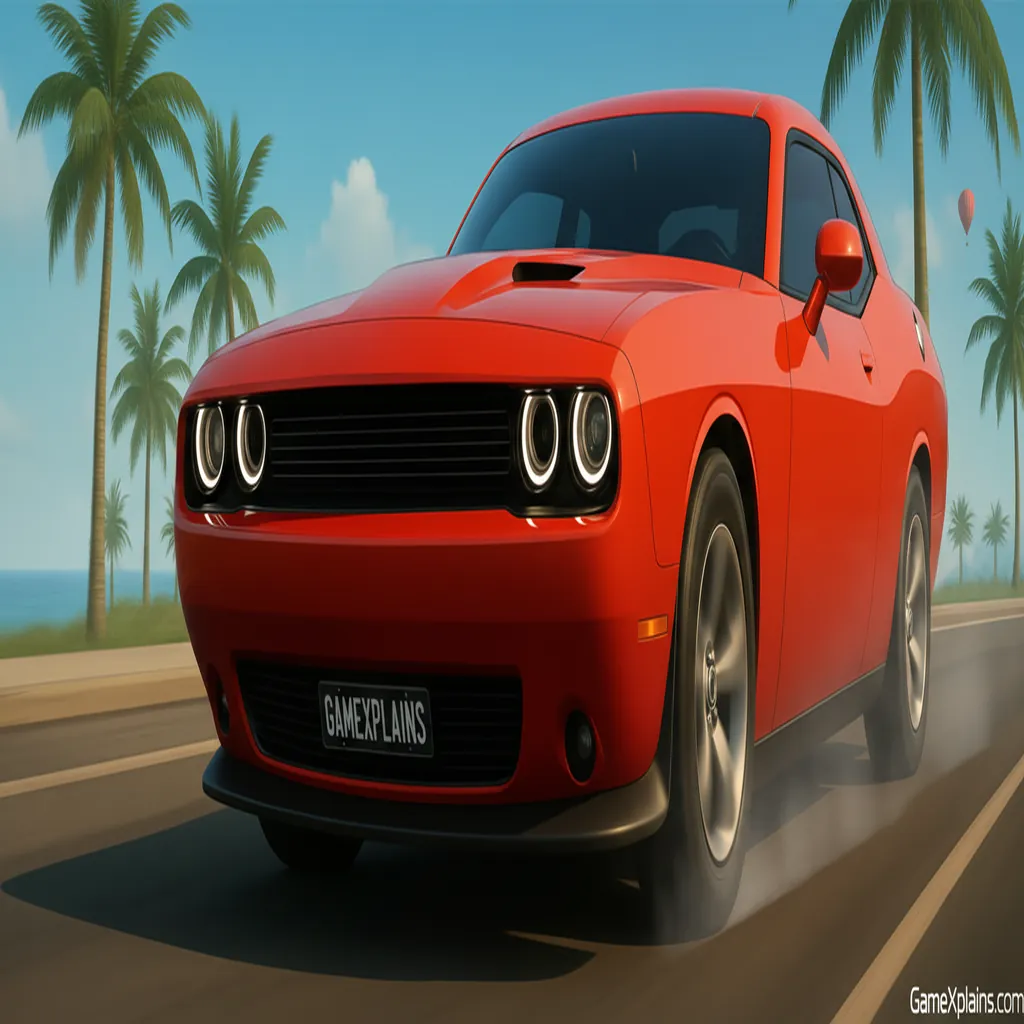
About This Game
Drive Quest Game: Play Online + Guide
1. Introduction
Drive Quest is an open-world driving experience built around exploration, challenges, and car control. Instead of being locked to a single track, you move between areas, look for hidden zones, and choose what to tackle next, like drifting runs, stunts, or speed tests.
Play Now: Jump into Drive Quest and start exploring the map, then use the guide below to improve fast.
Tech note: Drive Quest is an HTML5 game that runs in the browser using Unity WebGL on supported devices.
Practical cue: If your car starts sliding wide mid-corner, ease off steering and use short correction taps instead of holding the key.
2. Key Features
Open-world map with highways, ports, and secret zones to discover at your pace.
Challenge variety includes drifting, stunts, and speed tests for skill-based improvement.
Camera switching helps you line up ramps and recover after messy landings.
Car handling rewards smooth inputs, momentum management, and controlled braking timing.
Vehicle customization with many cars available in supported versions of the game.
Plays as an online browser game on desktop and mobile compatible browsers.
3. What is Drive Quest?
Drive Quest is a free racing game style sandbox where your “race” is often against your own consistency: keeping speed through corners, chaining clean drifts, and landing stunts without losing momentum. The core loop is simple: pick a destination or challenge, drive there, attempt it, then either retry for a better run or roam to the next objective.
Tactically, it’s about tradeoffs. Going faster gets you to challenges and improves time tests, but aggressive inputs make you spin or slam barriers. In most driving challenges, one mistake doesn’t end the session, but it does ruin your attempt by killing speed and forcing a reset or a slow recovery.
What makes it different from a track-only online browser game is the pacing: you spend as much time choosing routes and exploring as you do attempting “events.” If you searched phrases like Drive quest game online or Drive quest game free, this guide focuses on the browser driving version listed as an HTML5 Unity WebGL game.
4. How to Play
You can treat Drive Quest like an open-world cruise, but you’ll improve faster if you play with purpose.
Your objective
Explore the map and locate challenges (drift runs, stunt areas, and speed tests are commonly highlighted).
Improve performance by completing attempts cleanly: maintain speed, avoid crashes, and use the right technique for the terrain.
Win and lose conditions
Drive Quest is usually not a single “one life” run. Instead, you succeed by completing an attempt (finish a route, hit checkpoints, or complete the stunt line) and you “lose” an attempt by:
Crashing hard enough to stop your momentum.
Spinning out and missing the line you needed.
Failing a time-based goal in a speed test or checkpoint-style challenge (if that mode is active).
Practical cue: If you overshoot a ramp, do not mash steering on landing. Brake lightly first, straighten, then accelerate.
Progression
In many open-world driving games, progression is tied to unlocking cars, upgrades, or cosmetics. The browser listing for Drive Quest highlights a large set of customizable vehicles. If you’re looking for Drive quest game download or Drive Quest download, note that the browser play itself is designed for no download access, while app versions and listings can vary by platform.
Controls (table)
Below is the core control set shown on the browser listing.
Action | Keyboard |
|---|---|
Steer / Drive | WASD or Arrow Keys |
Handbrake (drift) | Space |
Change camera | C |
5. Core Gameplay Mechanics
1) Main system
When you pick a direction and commit to throttle, the game rewards stable lines and smooth corrections. Hard steering while accelerating tends to break traction, so the car slides and you lose speed. Use brake or handbrake only when you need rotation, then straighten to regain grip and acceleration for the next segment.
2) Tactical dynamics
When you see a tight corner, set up early by moving to the outside, then turn in once and hold a shallow angle. If you enter too hot, do a quick handbrake tap to rotate, but release quickly so you don’t stall out. When you approach ramps, align straight before takeoff to reduce sideways landings.
3) Progression and scaling
As you roam farther and try more challenges, difficulty typically scales by demanding cleaner inputs: longer drift sections, higher-speed approaches, or tighter timing windows. You’ll also face more situations where route choice matters, like choosing a safer wide road versus a faster narrow cut through obstacles.
4) Key elements
Key elements include traction control through steering discipline, momentum preservation, and hazard management. Obstacles and barriers punish over-steer by stopping your car or forcing a slow re-entry. In time or checkpoint challenges, the main fail state is losing too much speed from crashes or wide lines.
6. Strategies
Smooth Input Rhythm
Feather the throttle and steer in small steps, especially at speed. This keeps your traction stable and prevents the sudden snap that causes spinouts. If you feel the rear stepping out, straighten first, then reapply steering. Warning: over-correcting twice is worse than a single small slide.
Handbrake Tap Turns
Use Space as a quick tap, not a long hold, to rotate the car into tight corners. It helps you point the nose toward the exit sooner, so you can accelerate earlier. Warning: holding handbrake too long kills speed and makes some corners unrecoverable without a full stop.
Ramp Alignment Rule
Before any stunt ramp, prioritize straight alignment over extra speed. A clean takeoff usually lands smoother and keeps your run alive, while a sideways launch often flips or forces a slow reset. Warning: if you must adjust late, lift off throttle first, then steer gently.
Camera Check Discipline
Switch camera with C to improve two things: ramp approach alignment and corner exit visibility. If you keep clipping barriers, change camera right before problem segments, then switch back after. Warning: do not swap cameras mid-air unless you already know your landing zone.
Wide-Entry, Late-Apex
Enter corners wide and turn later than you think you should. This reduces scrub, keeps your exit speed high, and makes drifting runs more consistent. Warning: on narrow roads, going too wide can put you into barriers, so adjust by speed, not by habit.
Reset Fast, Retry Smart
After a major crash or spin, restart your attempt mentally instead of forcing a bad continuation. The fastest improvement comes from repeating the same challenge with one change each run (earlier brake, shallower angle, cleaner ramp line). Warning: changing three things at once hides what worked.
Decision Flow (Quick Win Rule)
Did you just crash hard?
Yes -> Reset line -> Regain control -> Re-enter at lower speed
No -> Is the corner tight?
Yes -> Outside setup -> Handbrake tap -> Early exit throttle
No -> Is it a ramp approach?
Yes -> Align straight -> Commit -> Land flat
7. Similar Games
Escape Road – Heavier handling with tighter high-speed traffic gaps.
Highway Racer – Immediate action with dense traffic and fast retries.
Drift Hunters – Drift control practice, not traffic navigation.
8. FAQ
What is Drive Quest?
Drive Quest is an open-world driving game where you explore a large map and take on challenges like drifting, stunts, and speed tests. It plays like a skill builder: you repeat attempts to improve control and consistency, rather than finishing a single linear campaign.
Is Drive Quest a no download game?
On the browser listing, Drive Quest is designed to run as an online browser game with no download required, since it’s delivered as an HTML5 Unity WebGL build. If you see app listings elsewhere, those can be separate platform releases.
Why do people search “Drive Quest crazy Games”?
The phrase Drive Quest crazy Games is commonly used because the game is listed on CrazyGames and can be played in a browser. If you land on a page that doesn’t show driving or WebGL play, you may be on a different product with a similar name.
What is “Drive quest msn”?
Drive quest msn looks like a navigation or search query people use when trying to find a web version through portals or curated game pages. If you end up on a site that asks for credentials or course selection, you’re likely not on the driving game listing. Use the controls and HTML5 cues to verify.
What does “Driving Quest login” mean?
Driving Quest login typically points to a separate service that requires signing in and selecting a course, which is not the same as a pick-up-and-play driving online browser game. For Drive Quest gameplay, look for a play page that loads Unity WebGL and shows the driving controls.
What is “Drive quest bss”?
Drive quest bss is not a standard mode name shown on the main browser listing. It’s usually a tag-like search phrase or a shorthand from a community post or portal. If you’re troubleshooting, focus on the basics: browser, performance, and whether the game loads as WebGL.
9. Technical
Drive Quest is an HTML5 game (may use WebGL) and is listed as HTML5 (Unity WebGL) on its browser page. That means it’s typically playable as an online browser game with no download needed.
Browsers: Chrome, Firefox, Edge, and Safari are common choices for WebGL play.
Devices: The listing supports browser play on desktop and mobile/tablet where WebGL is supported.
Performance tips: If you get stutters, lower other tabs, restart the page, and avoid background video.
Controls: Keyboard controls are the default on desktop, and camera switching can help visibility.
Input cue: If your drift feels “sticky,” you’re probably holding steer too long. Shorter inputs usually restore grip faster.
(Reference guide rules followed from the project brief.)
Prompt Long version (2)
10. Final Verdict
Drive Quest works best for players who want a free racing game vibe without being locked into a single track. The strengths are the open-world map (highways, ports, secret zones), the mix of drifting and stunt challenges, and the fast “try again” loop for improvement. The limits are typical of WebGL driving: if you drive too aggressively, small mistakes snowball into spins and resets.
If you like Drive Quest, you may also enjoy more Arcade games or Simulation driving sandboxes.
Play it as an online browser game first for the cleanest no download start, then use the strategies above to turn messy runs into consistent clears.
Comments (0)
No comments yet. Be the first to share your thoughts!