My Arcade Center
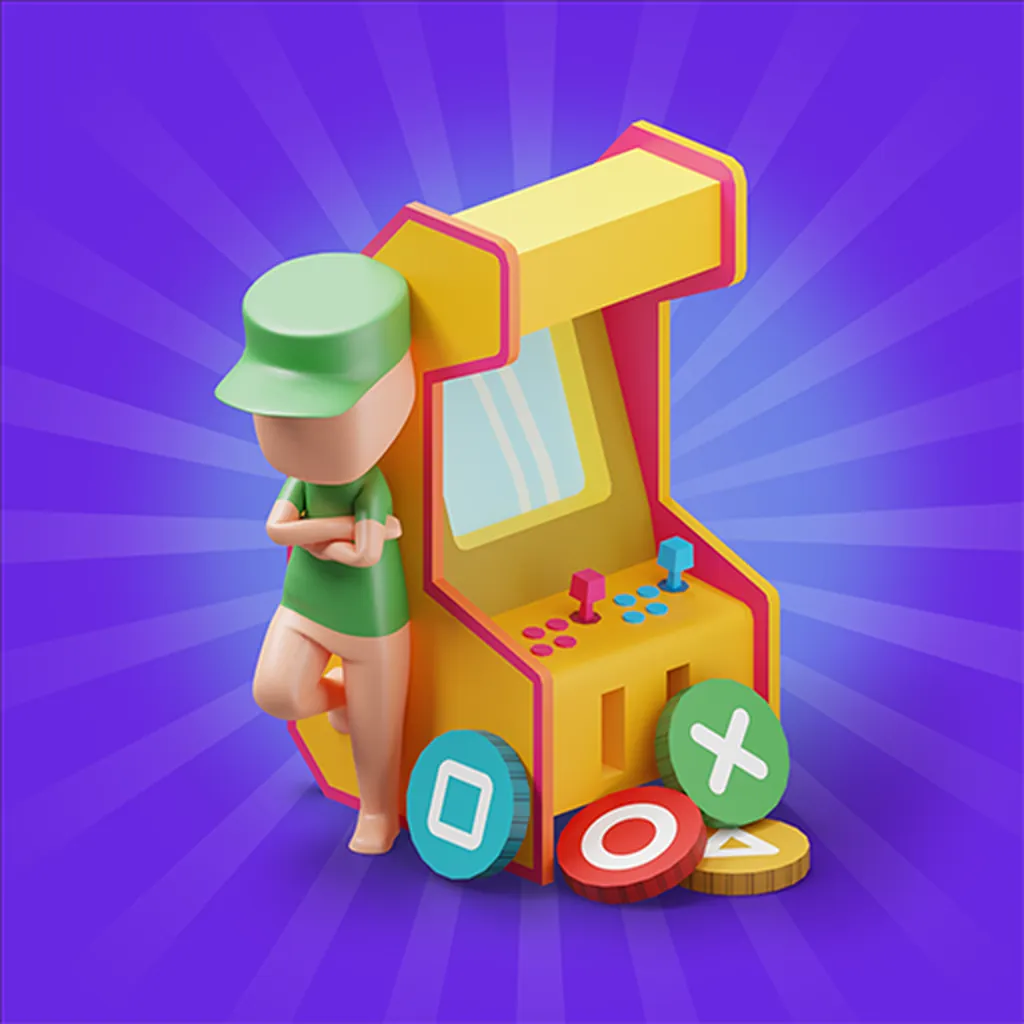
About This Game
My Arcade Center
1. Introduction
My Arcade Center is a management-flavored arcade experience where you build a small entertainment spot, keep machines running, and turn foot traffic into steady cash. It plays fast like an arcade title, but the real win comes from staying organized: refill, repair, and expand without letting customers bounce.
Play Now and treat the first few minutes like a setup run: get one money-maker stable before you add more.
If you’re on a browser build, it’s typically delivered as an HTML5 game (and may use WebGL) so it launches directly on modern browsers.
2. Key Features
Run a compact arcade floor loop: collect, refill, repair, then expand in short cycles.
Upgrade machines for better payout pacing, rather than only adding more stations.
Simple controls with quick interaction prompts that keep sessions easy to restart.
Customer flow management rewards clear pathways and not blocking access points.
Light resource decisions: spend on expansion, maintenance, or short-term income boosts.
Works well as an online arcade game session when you want progress without long tutorials.
3. What is My Arcade Center?
My Arcade Center is a casual management arcade game where your role is the operator: you place or unlock machines, collect earnings, and keep everything functioning so customers keep paying. The core loop is: open space, earn from stations, reinvest into upgrades, then repeat as demands increase.
The tactical dynamic is time pressure. When multiple machines need attention at once, you’re choosing which problem costs you the most money if ignored. What makes it different from pure clickers is the movement and positioning element: your efficiency depends on how quickly you can reach key spots and keep the floor “healthy”.
In most versions, you can also treat it like a “station game” where each machine is a station with its own upkeep rhythm. That station rhythm is what you learn to optimize.
4. How to Play
Your goal is to grow the arcade by keeping machines active and converting customer visits into profit. You usually lose momentum (and feel like you’re “failing”) when too many machines sit idle, queues clog paths, or you spend money too early and can’t afford the next repair or refill.
Early progression typically follows this pattern:
Start with a small area and 1 to 2 machines.
Collect earnings frequently to fund the first upgrade.
Unlock additional machines or areas once the first income stream is stable.
Two practical cues you can test while playing:
If customers cluster near one corner, you’ve likely created a path bottleneck, widen the route.
If income feels “stuck,” check for idle machines first, one broken station can throttle everything.
Controls (table)
Action | Keyboard/Mouse | Touch/Tablet |
|---|---|---|
Move character | WASD or Arrow Keys (typical) | Drag virtual stick (typical) |
Interact / Collect / Repair | E or Left Click (prompt-based) | Tap prompt/button |
Open menus / Upgrades | Click UI buttons | Tap UI buttons |
Place or buy station | Click purchase spot | Tap purchase spot |
Controls can vary by host, but most browser versions use a prompt-based interact key plus mouse clicks for UI.
5. Core Gameplay Mechanics
1) Main system When you place or unlock a machine, the game starts a simple earn cycle: customers use it, it generates cash, and you collect the payout so it can keep producing. When you delay collection or upkeep too long, the station can stall (idle) and your overall income rate drops.
2) Tactical dynamics When you see multiple prompts on screen (collect, refill, repair), do the action that prevents downtime first. Downtime is the hidden tax in most station games. If a high-traffic machine goes idle, it usually causes a small queue shift that reduces usage across nearby machines too.
3) Progression and scaling As you expand, the floor gets wider and you spend more time walking between stations. That travel time is the real difficulty ramp. The game often nudges you to either upgrade payout per machine or add helpers, because raw expansion without efficiency creates a slow spiral of missed collections.
4) Key elements Your key resources are cash (for buys and upgrades) and time (your attention and travel). Hazards are idle stations, blocked paths, and overspending before your income stabilizes. The soft fail state is being stuck in low income, because you can’t afford the next unlock or maintenance cycle.
Decision Flow (Quick Win Rule) Is a high-traffic station idle? Yes -> Fix/refill it -> Collect payout -> Reopen flow No -> Are you saving for an expansion unlock? Yes -> Skip minor upgrades -> Maintain only essentials No -> Upgrade best earner -> Add one new station -> Rebalance paths
6. Strategies
Anchor the Best Earner Identify the station that produces the most reliable cash early and keep it never-idle. This works because it smooths your income curve, letting you afford repairs and unlocks without waiting. Warning: don’t anchor a low-demand machine just because it’s close to spawn.
One Expansion at a Time Open a new area only after your current layout is stable for a full cycle (collect, refill, repair). It works because travel time is the real enemy, and extra distance multiplies small mistakes. Warning: if you expand while two machines already idle, you’ll fall behind fast.
Path First Layout Build your floor like a loop, not a maze. Keep a clear route that touches your top two earners, then branches to secondary stations. It works because you reduce backtracking and missed prompts. Warning: a single blocked corner can trap customer flow.
Upgrade Before You Multiply In most versions, upgrading a strong station beats buying a weak one. It works because upgrades reduce the number of “touchpoints” you must babysit for the same income. Warning: avoid upgrades that cost most of your cash if repairs are frequent.
Prompt Sweep Timing Do a quick sweep every time you collect from a big station: grab nearby payouts, then handle the nearest refill/repair prompts before leaving the zone. It works because prompt clustering is efficient. Warning: don’t chase tiny payouts across the map during a busy rush.
Budget a Repair Reserve Always keep a small cash buffer that covers at least one major maintenance action. It works because being forced to wait for earnings is how you get stuck in low income. Warning: if you drop to zero cash, the next breakdown can freeze your growth.
7. Similar Games
If you like My Arcade Center, you may also enjoy more Arcade games.
8. FAQ
Is My Arcade Center a clicker or a management game? It’s usually a light management game with clicker-like earnings, not a pure idle clicker. You still need to move, collect, and respond to station prompts. If you ignore maintenance and just buy new machines, your floor typically slows down instead of scaling smoothly.
What should I upgrade first? Upgrade the station that stays busiest, usually your earliest high-demand machine. This gives you more cash per cycle without increasing your workload. If upgrades are expensive, prioritize anything that reduces downtime (fewer breakdowns or faster cycles) over cosmetic changes.
Can I play it as an online arcade game with no download? Often yes, if the version you’re on is hosted in a browser. Many hosts deliver it as an HTML5 game, so it can run with no download. If you’re on mobile, downloading the app version may be the normal path.
Why do customers stop paying or pile up? That usually happens when machines are idle, blocked, or placed in a way that creates tight choke points. Fix the nearest idle station first, then widen paths or move objects that block movement. If a single corner gets crowded, reroute your loop through the center.
Is there a “best” layout? There’s rarely one best layout across versions, but the best layouts share a loop route and short distances between top earners. Keep your two strongest stations close to each other and avoid deep dead-ends. If you must add a far station, upgrade payout to justify travel.
How does this relate to Crazy games searches I see online? “Crazy games” is commonly used in searches for browser titles and hubs, so you may see phrases like “Gas station crazy games” or “Crazy games i Am Not Infected” next to unrelated recommendations. Treat those as discovery terms, not proof of the exact same version or publisher.
9. Technical
If you’re playing in a browser, My Arcade Center is typically an HTML5 game (and may use WebGL for smoother rendering). Chrome, Edge, Firefox, and Safari generally handle this type of online arcade game well.
Performance: most mid-range laptops and phones should run it smoothly if you close heavy tabs. If you notice stutter when you expand, reduce background apps and avoid running multiple video streams.
Controls: movement plus prompt-based interaction is common, with mouse clicks or taps for upgrades and placement. On supported browser builds, it often plays with no download, while the mobile store versions require an install.
10. Final Verdict
My Arcade Center works when you treat it like a small optimization puzzle: protect uptime, shorten travel, and reinvest where demand is highest. Its strengths are quick sessions, clear station feedback, and a steady upgrade loop that fits an online arcade game format. Limits are that exact features can vary by host, and late-game pacing may feel slower if expansion outpaces your efficiency.
If you want a casual free arcade game that rewards tidy layouts and quick prompt sweeps, this one fits. If you prefer pure action arcade reflex tests, you may like the similar picks more. Either way, start with one reliable earner, keep it never-idle, then expand.
Comments (0)
No comments yet. Be the first to share your thoughts!