Speed per Click: Obby
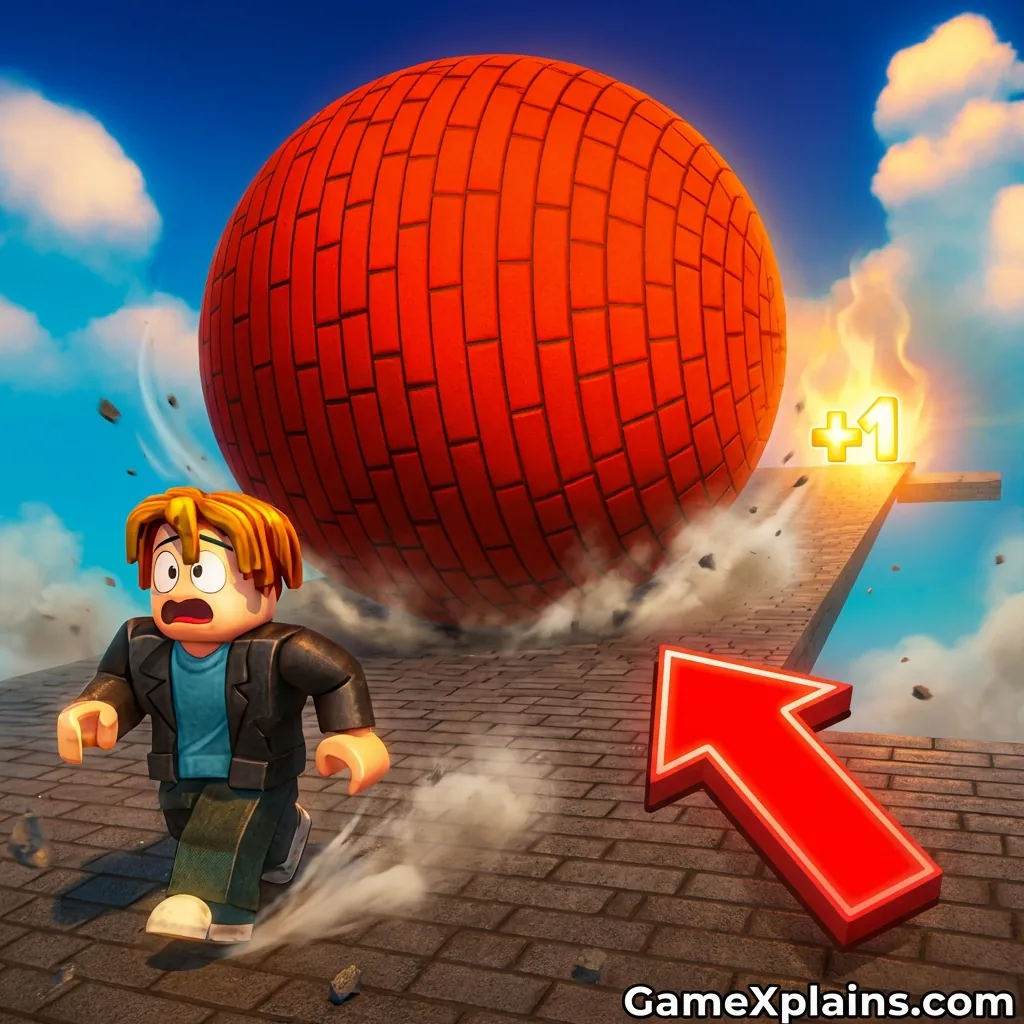
About This Game
Speed per Click: Obby (Play + Guide)
1. Introduction
Speed per Click: Obby mixes a simple clicker start with short obstacle course runs. You click to build speed, then spend that speed to clear jumps, platforms, and hazards without stalling out. It is built for quick rounds, so you can test a change, fail fast, and try again with a better rhythm.
Play Now: Launch Speed per click obby online and aim for a clean run after your first upgrade.
Because it plays in the browser, Speed per Click: Obby is typically an HTML5 game that may use WebGL for smoother motion.
2. Key Features
Click to generate speed, then convert that speed into distance on each obby segment.
Simple upgrades that reward consistent clicking and cleaner movement timing.
Short retry loops: fail, adjust one habit, and reattempt within seconds.
Runner style pacing with skill-based jumps, spacing, and mid-air control.
Progression that usually ramps by adding tighter platforms or longer gaps.
Works as an online browser game, so sessions start quickly and stay lightweight.
3. What is Speed per Click: Obby?
Speed per Click: Obby is a clicker and idle style experience that feeds directly into an obby run. The core loop is: click to build a resource (speed), then move through an obstacle course that spends that resource through movement, jumps, and recovery.
Tactically, you balance two instincts that normally conflict. First, you want more speed because it helps clear distance. Second, too much speed can make landing alignment harder, so you need timing and camera discipline. That mix is what differentiates it from a pure idle clicker or a pure parkour runner.
If you are coming from Speed clicker roblox style games, the idea will feel familiar, but the pacing here often rewards controlled bursts rather than nonstop spam.
4. How to Play
Your goal is to build speed with clicks, then complete obby sections without falling, getting stuck, or losing momentum. Most versions follow a repeating pattern:
Click phase: Click or tap to increase speed. This is where Speed per click obby free feels like a classic clicker.
Run phase: Move forward through platforms and gaps. Jumps spend your current speed because you commit to distance.
Upgrade phase: After a run, you typically spend earned currency on upgrades that increase speed gain, movement efficiency, or jump consistency.
Win and fail conditions
You “win” a segment by reaching its end or passing a checkpoint.
You “fail” when you fall off, miss a platform, or lose so much momentum that you cannot clear the next obstacle.
Progression and reset systems
Many clicker-obby hybrids add a reset or prestige mechanic. If you see a rebirth, reset, or “+1” style upgrade, it usually trades short-term stats for long-term growth. That is where Obby: +1 Jump per Click can be a useful mental model, because stacking small permanent boosts changes which obstacles are safe.
Controls (table)
Action | Keyboard and mouse | Touch | Practical cue |
|---|---|---|---|
Build speed | Click mouse button repeatedly | Tap repeatedly | If clicks stop registering, slow down slightly and keep a steady rhythm. |
Move | WASD or Arrow keys | Virtual stick or swipe (varies) | If you drift sideways on landings, reduce camera movement while in air. |
Jump | Spacebar | Tap jump button | If you keep short-jumping, press a fraction earlier, not longer. |
Camera | Mouse movement | Drag to look | If you overshoot platforms, lower sensitivity and aim center mass. |
Retry | Restart button (varies) | Restart button (varies) | If you fail the same gap twice, upgrade once, then retest the approach. |
5. Core Gameplay Mechanics
1) Main system
When you click, the game increases your speed resource, and when you start running, that resource converts into forward movement and jump distance. Higher speed usually helps clear longer gaps, but it also makes steering corrections smaller and riskier. When you treat clicks as a resource builder, you can choose when to spend speed on a jump and when to slow down for control.
2) Tactical dynamics
When you see a narrow platform, do a “stabilize first” approach: straighten your run path, then jump. When the landing zone is small, keep the camera steady and let your character travel, instead of chasing the platform with big mouse movements. If you clip edges often, take one less upgrade and focus on alignment before raw speed.
3) Progression and scaling
As you progress, obstacles typically scale by shrinking safe landing zones, increasing gap length, or chaining jumps with less recovery space. The click phase often becomes shorter because upgrades increase speed gain, but the run phase becomes more technical. If you notice your runs are failing later, it usually means your control skills need to catch up with your speed growth.
4) Key elements
Key elements are speed generation, jump timing, and landing alignment. Hazards usually include pits, moving platforms, or thin ledges that punish over-speeding. The most common fail state is missing a landing by a small margin, so treat speed like a budget. Save a little for controlled approaches rather than spending everything on one risky leap.
6. Strategies
Click Rhythm Banking
Build speed in a steady rhythm instead of frantic bursts. A consistent cadence keeps your speed growth predictable, so you can match upgrades to real performance. Warning: if you try to “max spam” right before a run, you may start too fast and miss the first landing.
Two-Step Jump Setup
Before a difficult gap, do two steps: align first, then jump. Small steering corrections while airborne often cause edge clips, so the setup matters more than the jump itself. Warning: on very short run-ups, you may need to align earlier, even before the checkpoint.
Speed Ceiling Control
Set an informal speed ceiling for technical sections. If you keep overshooting, stop upgrading for one run and practice at a slightly lower speed. It works because your timing window effectively widens. Warning: do not stay underpowered forever, or later gaps may become impossible.
Upgrade, Test, Repeat
Spend currency in small batches, then immediately retest the obstacle that is beating you. This helps you identify whether the problem is power or execution. Warning: if one upgrade changes multiple stats, do a short warmup run before judging it.
Camera Discipline Lines
Pick a visual line on the platform and jump toward it, not toward the center of your screen. It reduces panic steering, especially at high speed. Warning: if you drag the camera mid-jump, you can unintentionally steer off the landing.
Recovery Over Hero Jumps
When you land awkwardly, prioritize recovery over the next jump. Slow your inputs, re-center, and take the next obstacle clean. It works because most fails happen on the second mistake, not the first. Warning: some timed sections may punish hesitation, so recover quickly.
Decision Flow (Quick Win Rule)
Missed the last landing? Yes -> Reduce speed one tier -> Align earlier -> Retry same gap No -> Are you overshooting platforms? Yes -> Stop upgrading -> Practice camera discipline -> Add upgrades later No -> Are you short-jumping? Yes -> Jump slightly earlier -> Keep camera steady -> Retest No -> Upgrade once -> Run again -> Repeat
7. Similar Games
If you want more movement-focused challenges, explore Runner.
If you prefer precision and timing practice, explore Skill.
8. FAQ
What is the best tapping game?
There is not one single best tapping game for everyone. The best choice depends on whether you prefer pure idle progression or tapping that affects movement. Speed per Click: Obby is a good fit if you want tapping to directly change your run results. If you only want upgrades, a traditional clicker may feel steadier.
Which is the best obby in Roblox?
The best obby in Roblox depends on what you are practicing: speedrunning, precision jumps, or puzzle routes. Many players like obbies with readable layouts and checkpoints that encourage repetition. If you enjoy the “build power then attempt a course” loop, Speed clicker roblox style obbies are the closest comparison.
What does "obby" mean in slang?
“Obby” is slang for “obstacle course,” commonly used in platforming and Roblox communities. It usually implies jumping across platforms, avoiding hazards, and reaching an endpoint. In games like Speed per click obby online, “obby” also suggests quick retries and skill improvement through repetition.
What is the speed of a click?
A typical clicking speed varies by player and device, often measured as clicks per second. In practice, what matters is consistency, not the maximum number. If your click speed causes missed inputs, slow down slightly. A stable rhythm usually produces better upgrades and smoother runs than sporadic bursts.
Is Speed per click obby download required?
No, a download is usually not required for the browser version. As an online browser game, it typically launches in-page with no download. If you see a store listing or an installer elsewhere, treat it as a separate version. For the web version, focus on stable input timing and performance.
Is Speed clicker auto clicker a good idea?
Using an auto clicker is usually unnecessary and can reduce the point of the skill loop. You will often learn less about timing and speed control if clicks become automated. If your goal is improvement, practice a steady manual rhythm instead. If a site rules against automation, it may also cause restrictions.
9. Technical
Speed per Click: Obby is typically an HTML5 game that may use WebGL for rendering and smoother animation. It should run in modern browsers like Chrome, Firefox, Safari, and Edge. Most mid-range devices should run it smoothly if you close extra tabs and keep your browser updated.
Because it is an online browser game, it usually starts with no download. If performance dips, lower your browser zoom, disable heavy extensions, and avoid running other games in the background. Controls are commonly keyboard plus mouse on desktop, and touch controls on mobile, though layouts can vary by host.
10. Final Verdict
Speed per Click: Obby is a free clicker game that feels best when you treat speed like a resource, not a constant. Its biggest strength is the tight loop: click, attempt, fail, adjust, and upgrade. Its main limitation is that higher speed can make control harder, so progress depends on timing and alignment as much as upgrades.
If you like a clicker that directly affects movement, this online browser game is a solid fit. If you prefer purely idle growth with minimal execution, you may want something slower. Either way, it is usually an HTML5 game experience with no download, so it is easy to test and decide quickly.
Comments (0)
No comments yet. Be the first to share your thoughts!