Tap Among Us
About This Game
Tap Among Us
1. Introduction
Tap Among Us is a fast, bite-sized memory game built around familiar space-crewmate themes. Your goal is simple: reveal tiles, remember what you saw, and match pairs efficiently before you run out of time or moves (depending on the version).
Play now: Jump in and start matching tiles while the early levels are still easy enough to build a rhythm.
Because it plays like an online/browser game, it typically loads in seconds on modern desktop and mobile browsers without any setup.
2. Key Features
Quick match-and-recall rounds that reward attention more than fast clicking.
Difficulty ramps by expanding the grid and adding more unique tile art.
Clear fail states (timer or move limit) so each run has real stakes.
Simple tap controls that work well for touchscreens and trackpads.
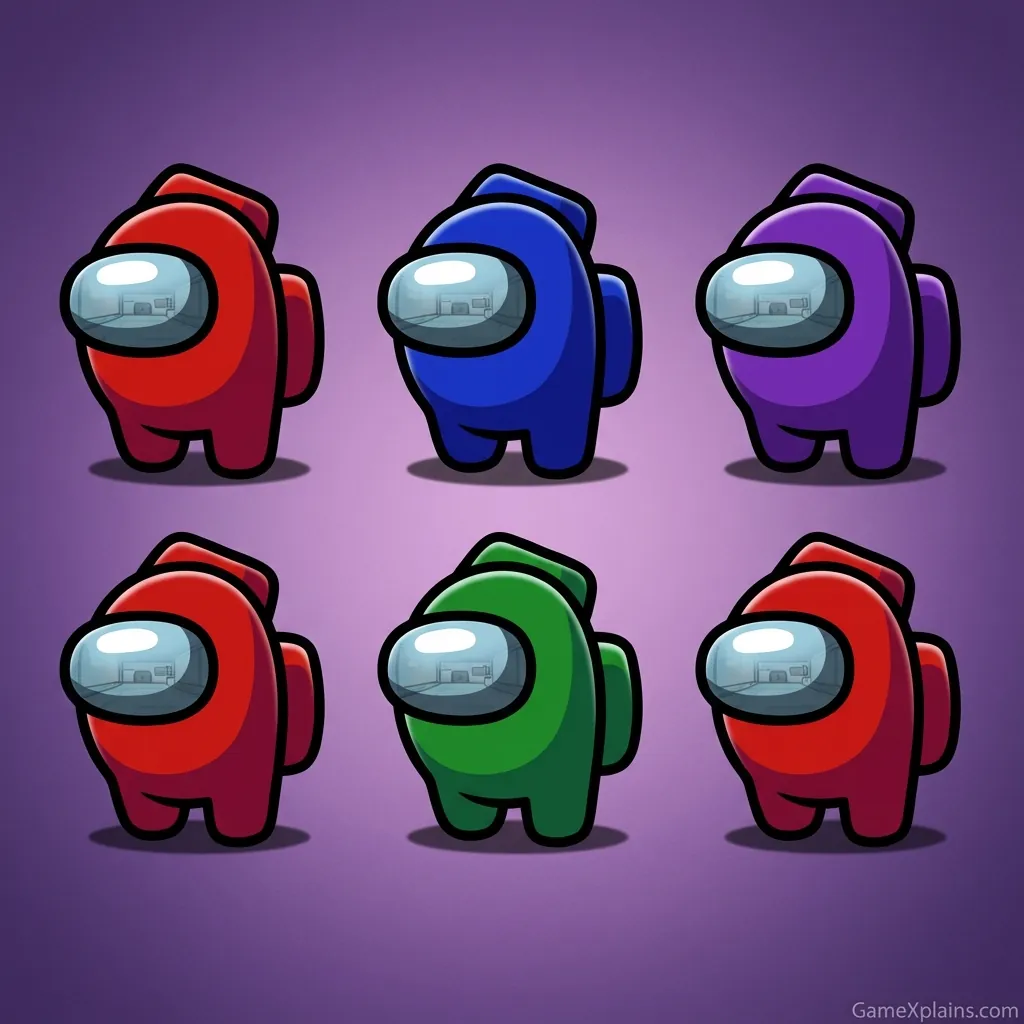
Familiar Among Us-style visuals that make patterns easier to categorize.
Restart-friendly pacing for practice, speed-runs, or casual sessions.
3. What is Tap Among Us?
Tap Among Us is a memory matching game where the core loop is: reveal two tiles, decide if they match, and repeat until the board is cleared. The tactical dynamic comes from balancing speed against accuracy. When you rush, you waste turns on mismatches and lose track of high-value tiles you should be pairing next.
What makes it feel different from a generic card-matcher is the theme and how players mentally tag tiles. In most versions, you will naturally label tiles as “crew,” “imposter,” “hat,” “color,” or “icon,” which can speed up recall when the grid grows. If you are looking for Tap among us free play that stays straightforward, this is usually the appeal: simple rules, but plenty of room to improve.
4. How to Play
Objective, win and lose conditions
Win: Clear the board by matching all pairs.
Lose (common): Run out of time on a level timer.
Lose (other versions): Exceed a move limit or make too many mismatches.
Progression
In most versions, early stages start with a small grid (easy recall), then progress to larger grids with more unique tile art. Some versions also tighten the timer as you advance. If you are seeing a “Tap among us unblocked” version on different sites, the exact timer or move limit can vary, but the loop stays the same.
Controls
Action | Desktop (Mouse/Keyboard) | Mobile/Tablet (Touch) |
|---|---|---|
Reveal a tile | Left-click a tile | Tap a tile |
Select second tile | Left-click another tile | Tap another tile |
Restart level | On-screen restart button (if available) | On-screen restart button |
Mute/Unmute | On-screen audio icon (if available) | On-screen audio icon |
Practical cues you can test
If you keep missing the same pair, stop flipping randomly and scan for the tile you saw in the last 5 flips.
When the grid expands, use corners as “anchors” and remember what you saw there first.
If the timer feels tight, reduce hesitation on the second pick, not the first pick.
5. Core Gameplay Mechanics
1) Main system
When you tap a face-down tile, the game reveals its icon. When you reveal a second tile, the game checks for a match. A correct match usually removes the pair from play (or locks it face-up), shrinking the search space. A mismatch typically flips both back down after a short delay.
2) Tactical dynamics
When you see a new tile you have not mentally “named” yet, assign it a quick label (color, hat, role) before you tap again. When you spot the matching tile later, prioritize pairing it immediately to reduce memory load. Example: if you saw a red crewmate with a hat, pair that as soon as you find its twin.
3) Progression and scaling
When levels ramp up, the grid usually expands and the number of unique icons increases. That changes your optimal pace: early on, you can brute-force with quick taps, but later you need structured scanning. If a timer is present, the pressure shifts from perfect recall to efficient pairing and fewer dead flips.
4) Key elements
Your main resources are attention and turns (or time). Hazards include repeatedly re-flipping the same wrong tiles, losing track of “near-matches,” and panicking when the board gets busy. The common fail state is timing out with too many pairs left, which usually happens after a streak of mismatches.
Decision Flow (Quick Win Rule)
See a tile you know? Yes -> Find its pair -> Match immediately No -> Is the timer tight? Yes -> Flip new tiles in a pattern -> Avoid repeats No -> Flip two new tiles -> Create labels Mismatch? -> Pause 1 beat -> Re-center -> Continue
6. Strategies
Corner Anchors Start each level by revealing the four corners first. Corners are easy to relocate visually, so they become memory “pins.” This works best when the grid expands. Warning: do not chase a corner match too early if you are not sure you saw the twin.
Row-by-Row Sweep Flip tiles left to right, top to bottom, and only deviate when you are confident about a match. This reduces duplicate flips and keeps your mental map consistent. Warning: if the timer is very short, keep the sweep brisk so you do not overthink.
Two-Category Labeling Use two tags per tile, like “blue + visor” or “green + hat.” Two tags beat one because many icons share a color or a shape. Warning: do not add a third tag unless the set is very repetitive, or you will slow down.
Immediate Pair Priority When you see a tile that completes a known pair, match it right away, even if you were mid-sweep. This shrinks the board and lowers future confusion. Warning: if you are only 60% sure, keep scanning instead of gambling a turn.
Mismatch Recovery Reset After a mismatch, take one short breath, then say out loud (or mentally) what both tiles were before they flip back. This prevents the common spiral of repeating the same error. Warning: do not stare at the flip-back animation, move your gaze to the next target area.
Timer Budgeting If a countdown exists, set a personal rule: spend almost no time on the second tile. The first tile is discovery, the second tile is decision. Warning: when you are down to the last two pairs, slow slightly because wrong guesses waste more time than careful picks.
7. Similar Games
8. FAQ
How to talk freely in Among Us?
You can talk freely only in versions or modes that support voice chat or open chat settings. In standard Among Us, communication is usually limited to meetings and text chat. Check the game’s settings for chat type (free chat versus quick chat) and any account or age requirements.
Should I let my 12 year old play Among Us?
It depends on the child and the mode they play. Among Us can include deception, mild cartoon violence, and unpredictable chat interactions. If your 12 year old plays, consider disabling or limiting chat, using friends-only lobbies, and setting clear rules for online safety and reporting.
Is Among Us still active in 2025?
Yes, Among Us has remained active for years, but activity depends on region, platform, and time of day. Player counts can fluctuate and are not the same across mobile, PC, and console. If matchmaking feels slow, try different regions or play with friends in private rooms.
How to enter code in Among Us?
On most platforms, you enter a code from the main menu by choosing to join a game, then selecting private or entering the room code field. Codes are usually case-insensitive. If it fails, re-check region settings and confirm the host is still in the lobby.
Is Tap Among Us a download game?
Tap Among Us is often offered as an online/browser game, so you typically do not need an install to play in a browser. If you see prompts like Tap among us download on a third-party page, treat them cautiously and prefer playing directly in your browser when available.
What about “Among us shoot” or “Crazy games Among Us” versions?
Those labels usually refer to themed mini-games hosted on different portals, not the original social deduction game. Mechanics can change a lot, from shooter rounds to puzzle formats. If you are trying to practice memory skills, choose a version that clearly shows matching tiles and a timer or move limit.
9. Technical
Tap Among Us is typically an HTML5 game (and may use WebGL) that runs in a modern browser. For the smoothest experience, use Chrome, Edge, Firefox, or Safari on updated versions.
Platforms: Desktop and mobile browsers.
Performance: Most mid-range devices should run it smoothly if you close heavy background tabs.
Controls: Mouse clicks on desktop, taps on mobile.
No download: In most browser versions, there is no download required to play.
If you notice stutter, lower distractions first: close other tabs, disable battery saver, and avoid playing in a tiny embedded frame if a full-page option exists.
If you want more brain-training picks beyond this page, explore Puzzle.
For more deduction-style thinking and pattern logic, explore Logic.
10. Final Verdict
Tap Among Us works best when you want a clean memory challenge with recognizable visuals and quick rounds. Its strengths are the low learning curve, the satisfying board-clear rhythm, and the way improvement is measurable (fewer mismatches, faster clears). Limits are that versions can vary by site and some timers can feel strict.
If you want a focused, no-fuss online/browser game to warm up your memory and attention, Tap Among Us is a solid pick. Play a few rounds, use corner anchors, and aim to reduce repeat flips each level.
Comments (0)
No comments yet. Be the first to share your thoughts!