Ragdoll Playground
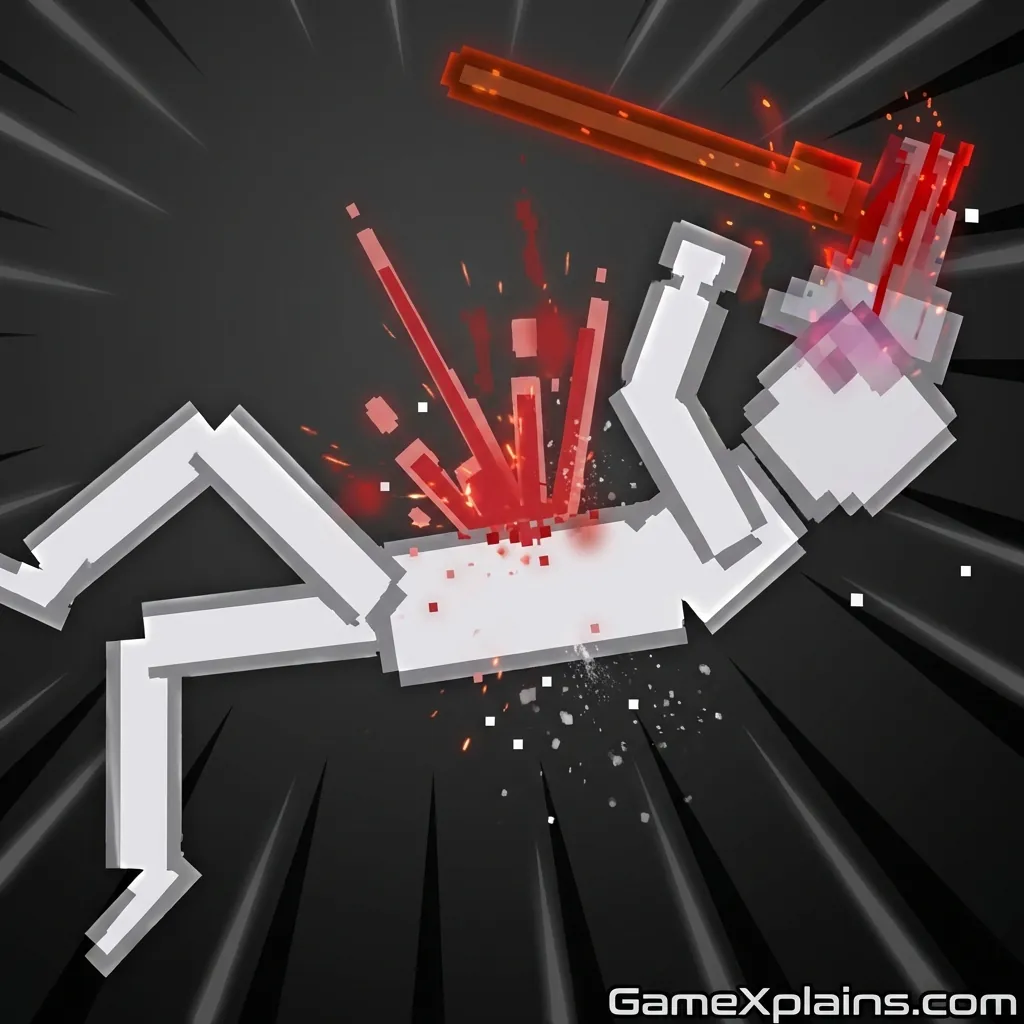
About This Game
Ragdoll Playground (Play + Guide)
1. Introduction
Ragdoll Playground is a physics-first sandbox where the fun comes from setting up messy experiments, then watching bodies, props, and forces collide in unpredictable ways. If you want an online/browser game that rewards curiosity, quick retries, and creative “what if” thinking, this is the loop: spawn, test, tweak, repeat.
Play Now: Launch Ragdoll Playground in your browser and start with one simple setup, then scale it up.
Most versions play as an HTML5 game (sometimes using WebGL) that runs right in a modern browser with no download.
2. Key Features
Build quick experiments with props, forces, and physics reactions in a sandbox loop.
Ragdoll bodies react to impacts, joints, and terrain, creating consistent but surprising results.
Short reset cycle encourages rapid iteration, testing, and “one change at a time” learning.
Tool-like spawning lets you stage chain reactions, traps, and momentum transfers.
Optional chaos scaling: add more objects to increase collisions and performance strain.
Open-ended objectives where your “win” is the experiment working the way you intended.
3. What is Ragdoll Playground?
At its core, Ragdoll Playground is a sandbox ragdoll game built around physics interactions, not traditional missions. The role you play is closer to a level designer or experimenter: you place characters, drop objects, trigger forces, and see how the simulation resolves. The main loop in this online/browser game is simple: create a setup, run it, observe what breaks, then adjust.
The tactical dynamic comes from controlling variables. When you change only one thing (height, angle, object count, timing), you learn what actually caused the result. That’s what separates it from many “press button for explosion” toys. Even in versions labeled Ragdoll Playground 3D or People Ragdoll Playground, the most satisfying moments are the repeatable ones you can recreate on purpose.
If you came here from “Ragdoll Playground crazy games” searches or a clip, expect the same sandbox fundamentals: you’re not chasing a score, you’re chasing a clean experiment that produces the outcome you planned.
4. How to Play
Ragdoll Playground gameplay usually starts with a blank area (or simple map), then a menu for spawning ragdolls and items. Your goal is self-set: build a contraption, test a collision, design a trap, or try to produce a specific chain reaction. In most versions, there isn’t a single win screen. The “fail state” is your setup not behaving as intended, or the simulation becoming too unstable to control.
Typical flow
Spawn one ragdoll and one object.
Apply a force (drop, push, swing, explode, or launch depending on tools).
Watch the physics outcome.
Reset or undo, then refine the variables.
Progression and variety Some releases add unlocks (items, maps, skins) or a catalog that expands as you play, but this varies by version. If you see Ragdoll Playground 2 branding, treat it as a variant with different tool sets rather than a guaranteed “story mode.”
Controls (common layout) Controls vary by site and version, but these are common for an online/browser game sandbox.
Action | Keyboard/Mouse (Typical) | Touch (Typical) |
|---|---|---|
Move camera / view | WASD or arrow keys, or mouse drag | Drag with one finger |
Zoom | Mouse wheel | Pinch in/out |
Select tool / item | Click UI buttons | Tap UI buttons |
Place / spawn | Left click to place | Tap to place |
Rotate object | Q/E or R (if available) | Two-finger rotate (if supported) |
Delete / remove | Right click or Delete key | Long press then delete |
Pause / slow motion | Space or dedicated UI toggle | UI toggle |
Reset scene | R or reset button | Reset button |
Micro experience cue: If your scene keeps “exploding” into jitter, reduce object count first, then re-add pieces.
5. Core Gameplay Mechanics
1) Main system (physics sandbox) When you place ragdolls and props, the game resolves everything through collisions, joints, and momentum. When you increase height, mass, or speed, impacts amplify and ragdolls fold or tumble more dramatically. The best outcomes come from controlled inputs: a single clean push can teach more than ten random explosions.
2) Tactical dynamics (control variables) When you see a setup behaving inconsistently, do one change at a time. Move the spawn point slightly, change only the angle, or remove one object that might be snagging the ragdoll. If a prop keeps catching on a corner, smooth the path or widen the gap so the motion is driven by momentum, not micro-collisions.
3) Progression / scaling (complexity ramp) As you add more items, the “difficulty” is really management: more collisions means more chaos, more performance load, and more unpredictable secondary impacts. In most versions, you’ll naturally scale from single-object tests to multi-step contraptions. The smart ramp is: stable base first, then add layers, then add timing.
4) Key elements (hazards and fail states) Key elements are forces (gravity, push, blasts), surfaces (ramps, walls), and interactive props (weights, vehicles, tools). Hazards often include spikes, crushers, or high-impact drops depending on the map set. Your main fail state is losing control of the experiment, either from too much randomness or from the simulation slowing down.
Decision Flow (Quick Build Rule) Start setup Is the result repeatable? Yes -> Add one new element -> Test again No -> Remove one variable -> Retest Did it lag or jitter? Yes -> Reduce object count -> Simplify collisions No -> Fine-tune angle/height -> Lock in
6. Strategies
Single Variable Testing Build your scene so only one thing changes per attempt (height, angle, or object). This makes cause-and-effect obvious and speeds learning. It works because physics outcomes compound, so uncontrolled changes hide the real trigger. Warning: don’t “fix” two problems at once or you’ll misread the result.
Anchor Then Add Chaos Start with an anchored route: a ramp into a wall, or a weight into a target area. Once the base interaction is stable, add extra props to create the fun chaos. This works because a reliable first collision sets the whole chain. Warning: avoid stacking loose items near the start point.
Use Funnels and Guardrails Place walls, rails, or angled surfaces to guide bodies and objects into a predictable lane. It works because ragdolls snag on edges, and funnels reduce random lateral drift. Warning: if the funnel is too tight, you’ll create constant snagging and jitter instead of flow.
Time Your Triggers If your version has toggles, buttons, or timed tools, trigger one event only after the first impact finishes. This works because overlapping forces can cancel out or create wild spins that ruin repeatability. Warning: don’t spam triggers, wait for the motion to settle before the next step.
Mass and Height Budgeting Treat weight and height like a budget. Increase one, then compensate by widening space or reducing clutter. It works because heavier objects transfer more momentum and create stronger secondary impacts. Warning: if you keep raising both, the scene becomes pure RNG and hard to control.
Performance-Safe Builds If you want big setups, spread objects out and avoid dense piles. This works because lots of simultaneous contacts are what typically slow a browser simulation. Warning: if FPS drops, your “strategy” stops mattering, reduce contact points before anything else.
Micro experience cue: If a ragdoll keeps flipping backward off a ramp, lower the ramp angle slightly and move the spawn closer.
7. Similar Games
If you like Ragdoll Playground, you may also enjoy more Multiplayer games.
8. FAQ
How do you play Ragdoll Playground? You play by spawning ragdolls and objects, then applying forces to test physics outcomes. Most versions are open-ended, so you set your own objective (a chain reaction, a trap, a crash test). Reset often, change one variable at a time, and build from simple setups to complex ones.
What's the goal of Ragdoll Playground? The goal is usually whatever experiment you decide to run: create a repeatable interaction, test how items collide, or build a contraption that produces a specific outcome. Many versions don’t have a single win condition, so “success” is getting your setup to behave consistently and the way you planned.
What is the best free ragdoll game? The best free ragdoll game depends on what you want: pure sandbox tools, challenge levels, or multiplayer chaos. If you want experimentation and fast retries, games like Ragdoll Playground or a Sandbox Ragdoll Playground variant fit well. If you want structured goals, look for ragdoll games online with levels.
Why did Roblox Ragdoll Engine get deleted? There isn’t one universal answer because removals can happen for different reasons. Roblox experiences can be taken down by the creator, made private, renamed, or removed due to moderation issues like policy or asset problems. If you’re looking for alternatives, physics sandboxes outside Roblox may feel similar.
9. Technical
Ragdoll Playground is typically an HTML5 game (and may use WebGL) that runs as an online/browser game on Chrome, Firefox, Edge, and Safari. Most mid-range PCs and recent phones should run it smoothly, but large object piles can cause slowdown because physics needs lots of collision checks.
Minimum practical setup (typical)
Browser: current Chrome/Edge/Firefox/Safari
CPU/RAM: mid-range device for stable physics, more helps with big scenes
Controls: keyboard/mouse on desktop, touch controls on mobile
Play style: quick resets and short tests, no download required in most web versions
Micro experience cue: If inputs feel delayed, close other heavy tabs first, then simplify your scene.
10. Final Verdict
Ragdoll Playground is at its best when you treat it like a physics lab: build small, prove repeatability, then add chaos. The strengths are the fast sandbox loop, the satisfying collision language, and the freedom to create your own challenges. The limits are version-to-version variation and performance dips if you overbuild dense piles.
If you want a free ragdoll game you can jump into as an online/browser game, it’s a strong pick for players who enjoy experimenting more than grinding. Try one clean setup, then scale it, and keep your edits controlled so you learn what actually changed.
Play Now: Open the game and start with a ramp test, then graduate to a timed chain reaction.
Comments (0)
No comments yet. Be the first to share your thoughts!