
Simulation Games
Play Simulation Games online in your browser. Build, manage and optimise living systems in free simulation challenges with no download required.

Deliver The Pizza!

Car Carrier Trailer

School Bus

City Parking

Driving Simulator
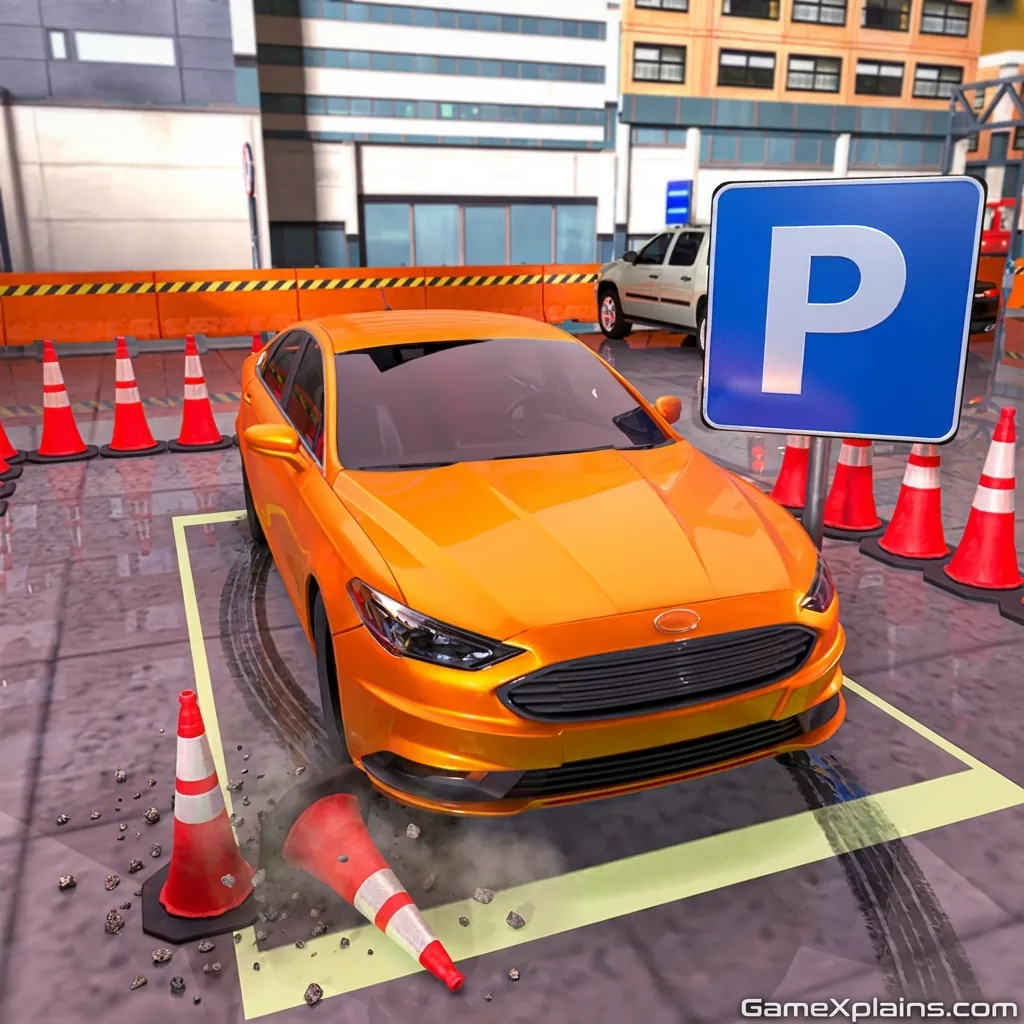
Car Parking

Taxi

Taxi Driver

The Angler

Deul Kids

Cat Life Simulator 3D

Smash the Car to Pieces!

Night City Racing

Circuit Racing
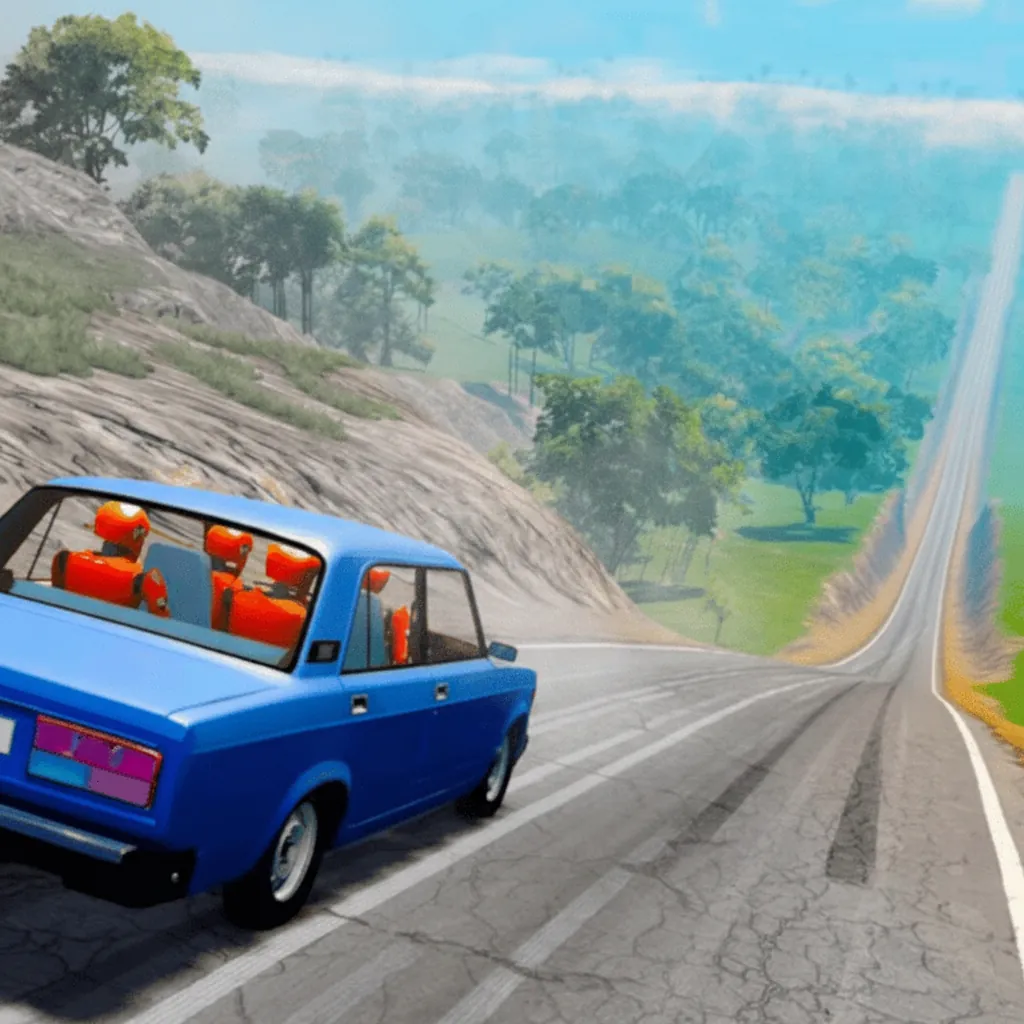
Deadly Descent

Parrot Simulator

Yukon: Family Adventure

Pregnant Mother Simulator

Hedgies
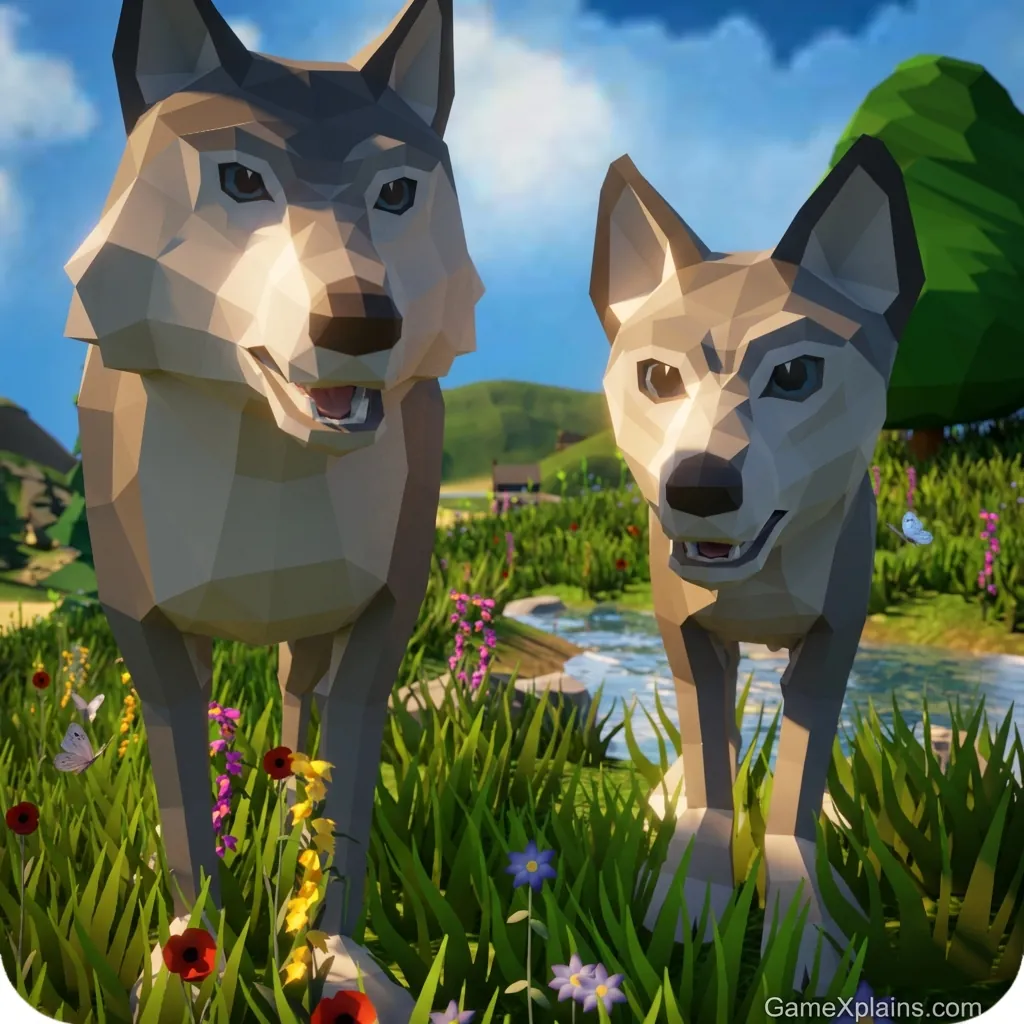
Wolf Simulator: Wild Animals 3D

Dragon Simulator 3D
Simulation Online - Play the Best Free Collection
Here for free Simulation games online? This collection is for builders, managers, and players who love systems that react. You can play Simulation games in your browser and jump into runs that keep moving.
Simulation games put you in charge of a living setup, then reward smart choices over time, from budgets to production lines. Our team tested every title for quick loading, responsive clicks, and smooth performance, so controls stay sharp when the screen gets busy. Everything launches instantly on this page at gamexplains.com, so you can experiment, fail fast, and rebuild without installs.
Most runs start with a clear target, then expand into upgrades and optimisation. If you keep failing early, slow down, watch the numbers, and fix one bottleneck at a time.
Quick fact
Quick fact |
Answer |
Best for |
Building, managing, experimenting |
Session length |
5 to 25 minutes |
Skill focus |
Planning and optimisation |
Controls |
Mouse, keyboard, WASD controls |
Works on |
Desktop, tablet, mobile |
Tech |
HTML5, WebGL |
Why our Simulation collection stands out
Great sims are built on clear feedback loops. You place tools, link resources, and balance limits like time, space, money, and demand. The system reacts to your choices, showing you immediately what works and what breaks.
Progression stays satisfying because upgrades change your options, not just your totals. Expect unlock trees, new buildings, better tools, and light automation that rewards clean layouts. Each run teaches you better planning.
The mastery curve is about reading patterns early and fixing problems before they snowball. Many titles add efficiency targets, so you always have a reason to replay and optimise. Perfect runs require smart resource management and neat layouts.
Replay value comes from experimenting with different strategies and setups. Test a new layout, watch the results, then adjust one thing at a time. Short sessions mean you can iterate quickly and see improvement.
Browser tech matters when you are dragging, placing, and panning nonstop. These picks run on HTML5 or WebGL and aim for high FPS so camera moves stay smooth. Use full-screen mode for maximum focus and stable input.
Want tight sessions between big builds? Try Arcade for fast loops, then return with a fresh plan.
If you love cause and effect experiments, jump into Physics and stress test every idea. It is perfect for quick what if testing.
When you want planning with puzzles, open Logic for cleaner objectives and smarter constraints. It scratches the same optimisation itch.
City, base, or business planning with clear goals
Resource chains, upgrades, and light automation
Management loops that reward neat layouts
Quick restarts for testing new strategies
Objectives like efficiency, profit, or survival
Smooth camera control and stable input
Top picks in this collection
Experience life as a parrot in an open world environment. Explore, interact with other animals, and complete objectives. If you feel lost, focus on one area first and learn the controls before expanding your territory.
Manage a family farm in the wilderness, balance resources, and keep everyone happy. Build production chains, upgrade your homestead, and push for higher efficiency. If progress stalls, simplify one task before adding new demands.
Unblocked and easy to play anywhere
These Simulation titles run unblocked with no download required, so they stay Chromebook friendly on school/work networks. They work in Chrome, Safari, and Edge, and you can play in your browser on desktop, laptop, tablet, or mobile with quick loading. Expect stable input for dragging, placing, and camera moves, even when the scene gets busy.
Expert tips from our team
Lock your first loop: Secure one steady income or supply chain before you add new demands.
Build with shortcuts: Use rotate, copy, and camera keys to place faster and keep layouts consistent.
Optimise in micro tests: Change one thing, run it briefly, and keep it only if the numbers improve.
FAQs about Simulation
What are Simulation games?
They are games where you control a system like a town, factory, or routine and manage it over time. You learn by testing decisions and reacting to results.
Are Simulation games free to play?
Yes, this collection is designed for free play in your browser.
Can you play Simulation games unblocked?
Yes, many picks are built to run unblocked in school or work settings.
You get deep strategy without long waits, because runs start fast and feedback is instant.
Pick a game and hit Play. Jump back anytime and keep building your next setup at gamexplains.com.